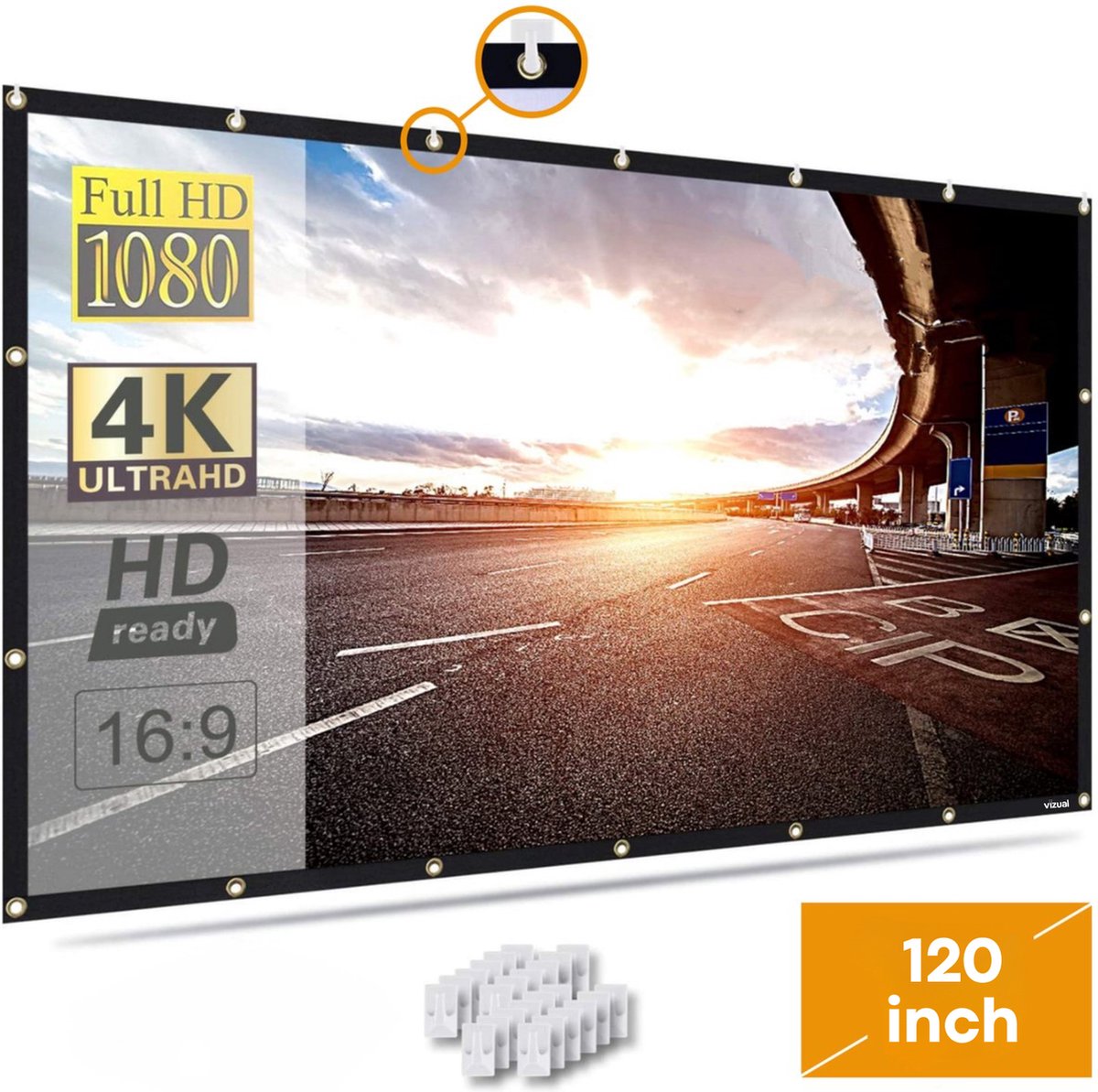
Screen size is the cheapest upgrade in a home cinema and the easiest to get wrong. Too small and the film never fills your attention; too big and you spend the evening scanning the picture like a tennis match. The usual rule of thumb is a viewing angle of roughly 30 to 40 degrees: the screen should fill that slice of your view from the seat.
Find your size
How the answer is worked out
The card uses plain geometry. From your seat, a screen that fills 30 degrees of your view is comfortable for long evenings. Around 40 degrees is the big, enveloping end of what home-cinema guides suggest. The picker turns the angle you chose and your seating distance into a width, then trims it to your wall and, for a TV, rounds to the sizes that are actually sold. Sound & Vision's projector and screen basics gives the same 30 to 40 degree range for home theatres.
When to go smaller, and when to go bigger
Go smaller if the room is bright, if you often watch with the lights on, or if the sofa is also the family sofa and people sit at different distances. A big picture in a bright room washes out.
Go bigger if the seat is far back, if you mostly watch widescreen films, or if you can darken the room. Many films are wider than 16:9, so they sit inside the screen with black bars above and below, and the image you actually see is smaller than the size on the box. Our piece on why there are black bars explains what to do about that.
If the card said projector
Projectors let you pick any size, but the image needs a surface. A plain, flat, matt white wall works, and a dedicated screen is flatter and often brighter. We covered the trade in wall or screen? and the distance maths in how far back should the projector sit?. The three screens below span a budget fold-up sheet to a motorised drop-down, so you can match the size the card gave you to a real product.