€299
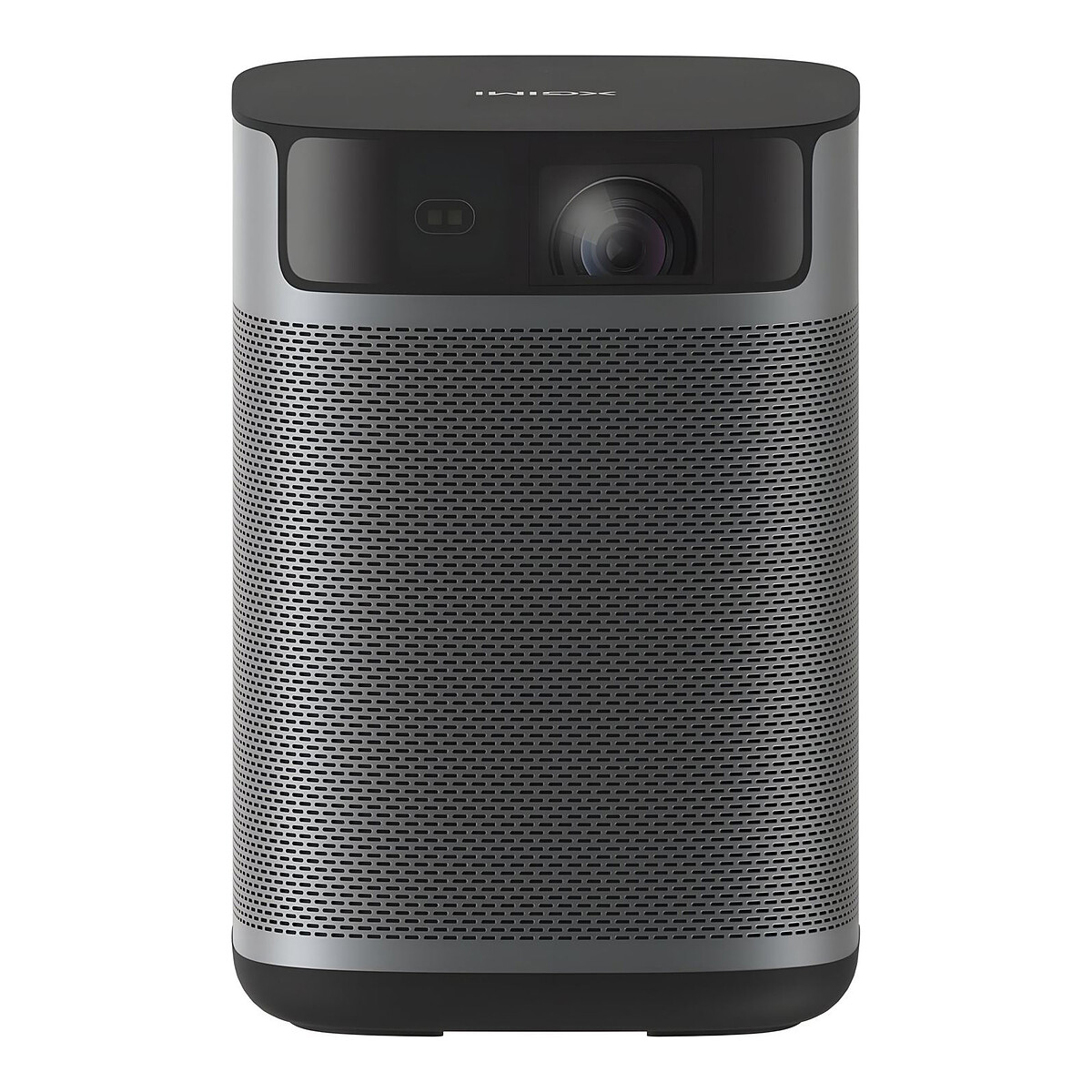
XGIMI MoGo 2 Pro Gen 2
A small projector with a fixed 1.2 lens, so the distance is one simple sum: picture width times 1.2. No zoom, so measure the space before you buy.
1080p · 400 ISO lumens · 1.2:1 fixed lens · Auto keystone
Home Cinema · Explainer ·
Every projector spec sheet hides one number that decides where it can sit: the throw ratio, the distance to the screen divided by the picture width. Learn it and you can tell, before buying, whether a model fits your room.
A slider below shows how far back a projector must sit for any picture size, and whether your space is enough.
The short version: a projector's spec sheet hides one number that decides where it can live, the throw ratio. Divide the distance by the picture width and you get it.
Most people choose a projector by resolution and brightness, then discover the box has to sit in a place the room does not have. The sofa is 3 metres from the wall, the projector wants 4. This page puts that mistake on a slider first.
Throw ratio is the distance from the lens to the screen divided by the width of the picture. A ratio of 1.5 means 1.5 metres back for every metre of picture width. Lower numbers sit closer to the wall; higher numbers sit further back.
Zoom lenses give a range rather than a single value, such as 1.3 to 2.0. At the low end the lens is zoomed wide and the projector sits close; at the high end it is zoomed in and it must sit further away. Fixed lenses have one number. The spec sheet may call it throw ratio, throw distance ratio or just "1.2:1", and it is the same thing.
Take a 100-inch, 16:9 picture. That is about 2.2 metres wide. A short-throw lens at 0.7 puts the projector roughly 1.5 metres from the wall. A fixed 1.2 lens puts it near 2.7 metres, and a zoom lens that reaches 1.5 sits around 3.3 metres. Same picture, three different places for the box.
The usual bands are rough, and makers draw the lines in slightly different places. Ultra-short throw means a ratio well under 0.4, with the projector sitting on a low cabinet just under the picture. Short throw is roughly 0.4 to 1.0. Standard throw is roughly 1.0 to 2.0 and beyond, which is where most projectors in the middle of the market live.
If the picture will land on a bare wall rather than a screen, what a projection screen actually changes covers what you give up.
Int. the prop room · continuous
Affiliate links, marked sponsored. We may earn a commission at no extra cost to you. Picks that suit the film; products aren't scored. Prices checked 19 Oct; every shop is on each product page.
A small projector with a fixed 1.2 lens, so the distance is one simple sum: picture width times 1.2. No zoom, so measure the space before you buy.
1080p · 400 ISO lumens · 1.2:1 fixed lens · Auto keystone
The short-throw answer for a shallow room: a 100-inch picture from about 1.5 m. A lens like this is built for a projector that has to sit close to the wall.
Full HD · 3000 ANSI lumens · 0.69-0.83:1 throw
A zoom lens with a modest range, so a few tens of centimetres either way still lands on the screen. Check the offset and keystone limits against your shelf height.
4K · 3000+ ANSI lumens · 1.13-1.46:1 zoom · HDR10 and HLG
The widest zoom range here, with horizontal and vertical lens shift, so the box does not have to sit dead centre or at screen height. It suits a room that can't be rearranged.
4K enhancement · 3000 lumens · 1.32-2.15:1 zoom · Lens shift


