A 4K logo on the box does not tell you how much picture is inside it. Two sources can both say "Ultra HD" and still send your TV very different amounts of data every second. That number, the bitrate, is the quiet reason a disc and a stream can look different on the same screen.
The short version
Bitrate is the amount of data per second used to describe the picture, measured in megabits per second (Mbps). More data means less compression, and less compression means finer film grain, cleaner dark scenes and smoother colour gradients. Ultra HD Blu-ray allows far higher bitrates than a streaming service sends, so a well-made disc usually has headroom a stream does not. Usually, not always: the bitrate is a ceiling for quality, not a guarantee.
Count the data
Pick a source and a film length. The tool turns the bitrate into gigabytes for the picture alone, and shows how that compares with what a disc can physically hold. The figures are the ones published or reported by the sources linked below; they are ceilings and typical ranges, not measurements of any one film.
What more data buys you
Compression works by throwing away detail the encoder judges you will not miss. Film grain, fast motion and smooth dark gradients are the hardest things to keep, because grain looks like random noise and gradients show their seams the moment steps appear. Reviewers who compare the two describe streaming as more prone to blocky patches and banding in dark scenes, and credit discs with a cleaner 10-bit picture and better-looking HDR highlights and blacks.
It also depends on the film. A bright, clean animated feature gives the encoder an easy job; a grainy 35mm classic or a night-time thriller gives it a hard one. That is where the gap tends to show.
Sound is part of it
Discs can carry lossless audio such as Dolby TrueHD and DTS-HD, while streaming compresses the soundtrack and the quality can vary with your connection. Sound is a separate path from the picture: you need a player and a soundbar or receiver that handle the format, and Dolby Atmos in particular has to be passed through correctly. If you have a soundbar already, check what it accepts first.
Where streaming catches up
None of this makes streaming bad. A good stream on a decent connection can look excellent, and the top tier of Sony Pictures Core is described as comparable to some 4K discs. A poorly encoded disc can look worse than an excellent stream, because bitrate is only one part of the encode. Streaming also wins on convenience: no shelf, no disc, nothing to buy per film. The honest summary is that a disc has more room to look its best, and a stream asks less of you.
Your TV matters too. On a small or modest screen the difference is harder to spot; it shows most on a large, bright, well-calibrated display in a dim room. If you have not yet tuned the picture, the settings that spoil a film come first, ahead of any new player.
Do you need a player?
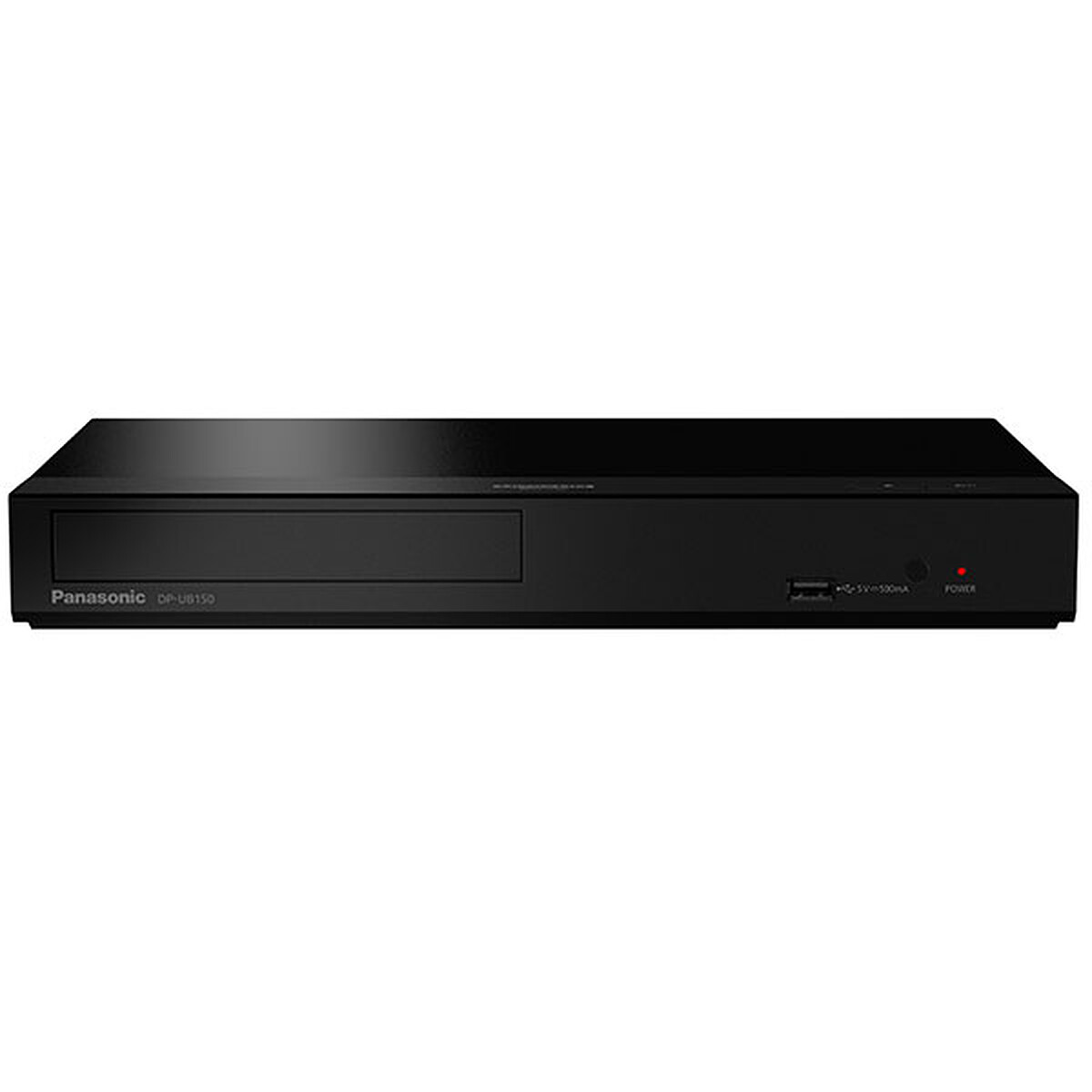
Only if you want to watch discs. Players differ in what HDR they pass on: some handle Dolby Vision and HDR10, others HDR10+ and HDR10, and a games console plays discs with HDR10 only. Match the player to your TV’s formats. Dedicated players range from around €150–200 for a basic model to €250–350 for one with Dolby Vision and streaming apps, while a disc-drive console is a bigger outlay that makes sense only if you also game.
Sources
Bitrate ceilings and Sony Pictures Core tiers: Engadget. Format capacities from the Blu-ray Disc Association spec: What Hi-Fi?. Streaming versus disc, compression and audio: What Hi-Fi?. Netflix’s connection recommendation: Netflix Help Centre. Players: TechRadar on the Sony UBP-X700, Trusted Reviews on the Panasonic DP-UB150, TechRadar on the PS5 as a disc player.